Skill Shot: Find the Warning Signs in Your Pipeline
Free 45 minutes

Training Academy Skill Shot
Part of Skill Shot: Use Salesforce on Your Phone
This session has already run. See upcoming dates for this course →
Format: Free, live, instructor-led session
Audience: Primarily for sales representatives and field sales professionals
Duration: 45 minutes
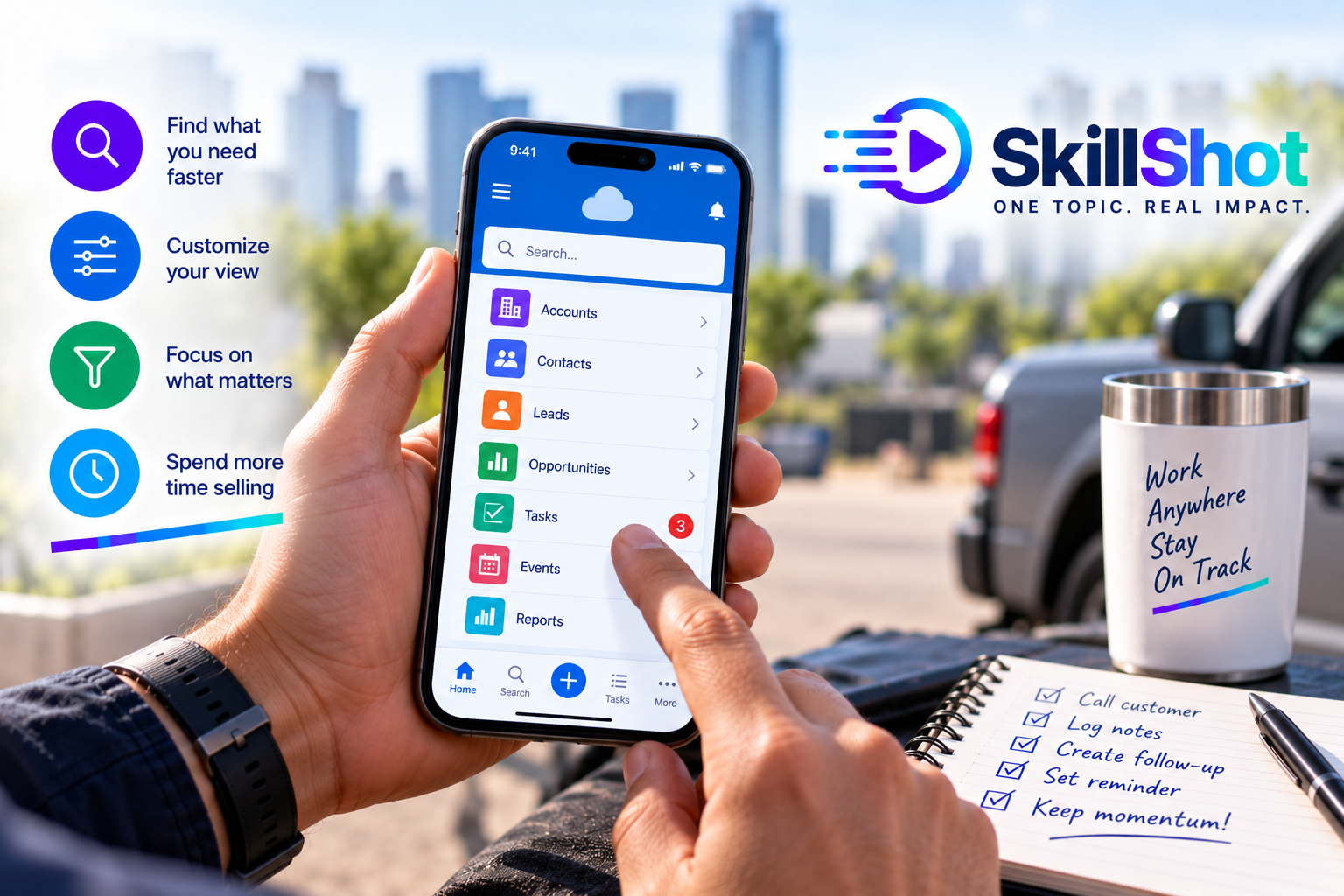
Learn how to use the Salesforce mobile app to access important customer information and manage everyday sales activities while you’re away from your desk. This practical session will show sales representatives how to stay connected, update records, and keep Salesforce current while working in the field.
Navigate the Salesforce mobile app.
Access accounts, contacts, leads, and opportunities.
Quickly find important customer information.
Review opportunity details before a customer meeting.
Log calls and customer interactions from your phone.
Create and manage follow-up tasks.
Update Salesforce records while on the go.
Capture notes and important customer information.
Apply practical tips for using Salesforce more effectively on a mobile device.
Participants will use the Salesforce mobile app to find a customer record, review relevant information, log a customer interaction, and create a follow-up task.
Participants may use either:
Their own Salesforce environment, or
A dedicated Salesforce practice environment, provided at no additional cost.
Important: If you choose to use your own Salesforce environment, your configuration, available features, page layouts, fields, and overall experience may differ from those demonstrated by the instructor. We cannot guarantee that every exercise will work identically in your organization’s environment.
Salesforce Mobile for Sales Representatives
Class Code: SFT-SR-111
Also in the Academy
Free 45 minutes
Free 30 minutes