Skill Shot: Find the Warning Signs in Your Pipeline
Free 45 minutes

Training Academy Skill Shot
Part of Skill Shot: Build a Personal Salesforce List View
This session has already run. See upcoming dates for this course →
Format: Free, live, instructor-led session
Audience: Primarily for sales representatives and account executives
Duration: 45 minutes
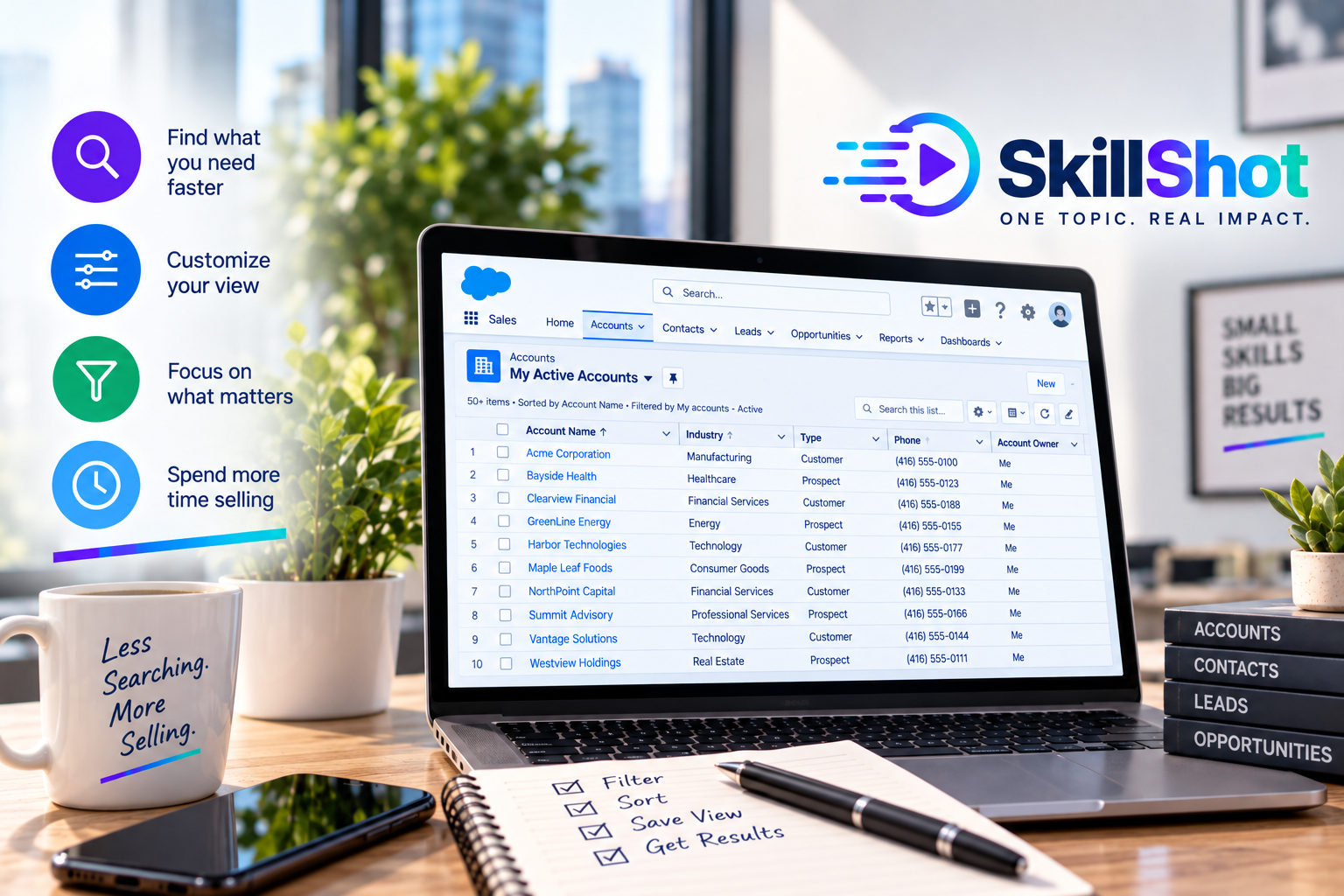
Learn how to create a personal list view in Salesforce to quickly access the records you use most often. This practical session will show sales representatives how to filter and organize information so they can spend less time searching and more time selling.
Understand what Salesforce list views are.
Create a personal list view.
Choose the records you want to display.
Filter records based on relevant criteria.
Select and organize the columns you need.
Sort records to make information easier to review.
Use list views to quickly access important accounts, contacts, leads, or opportunities.
Participants will create a personal list view in Salesforce, apply filters, organize the displayed information, and use the view to find relevant sales records quickly.
Participants may use either:
Their own Salesforce environment, or
A dedicated Salesforce practice environment, provided at no additional cost.
Important: If you choose to use your own Salesforce environment, your configuration, available features, page layouts, fields, and overall experience may differ from those demonstrated by the instructor. We cannot guarantee that every exercise will work identically in your organization’s environment.
Using Salesforce to Improve Sales Productivity
Class Code: SFT-SR-108
Also in the Academy
Free 45 minutes
Free 30 minutes